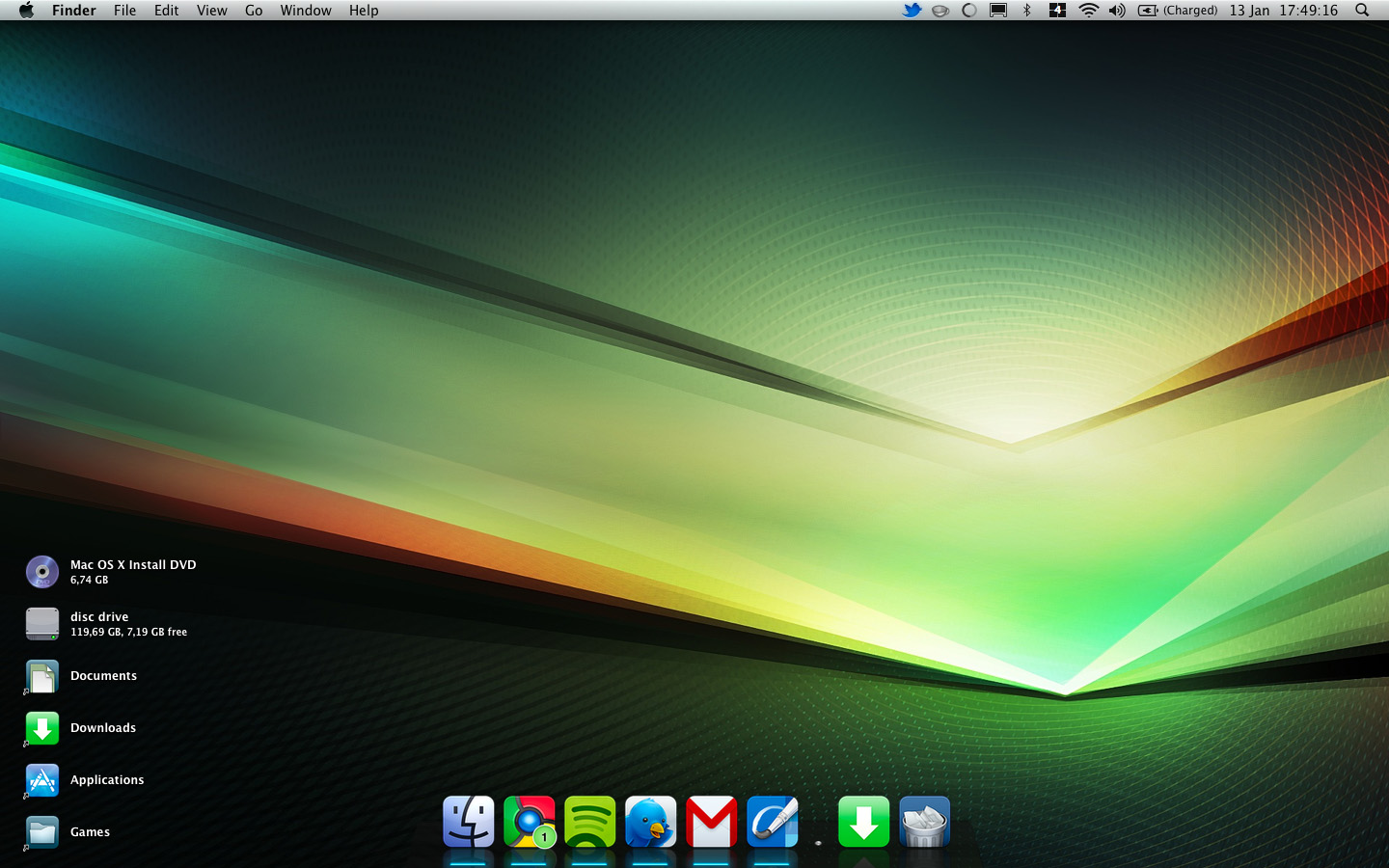
Let’s face it: there’s not a lot to customize on the Mac ever since OSX Leopard was released in 2007. But sometimes I do like to try out some new looks. Some people have found ways to do this anyway and wrote some nifty software.
Here’s a (very short) list of customization applications that can help you change the way OSX looks.
1 Candybar 3
Price: $29
Another great piece of software from Panic, one my favorite developers. CandyBar 3 helps you change the way your dock looks and change any icon that appears on your desktop or anywhere else. You can download icon sets for free from Iconfactory.com in the form of so-called “icontainers” which can be easily installed.
2 IconBox 2.0
Price: $24.99
Another icon changer, but with the great advantage of an in-app icon browser. There’s the Icon Of The Day that links to the best icon creator of the moment and a list of awesome icon resources. Have a look, it’s definitely worth it!
3 Aqua Extreme 3
Price: Free
This is actually not an app, as it just overwrites a bunch of stuff on your system. Click on the screenshot to go to the MacThemes discussion forums for more information. If you’ve heard enough, go to Max Rudberg’s website for the download link.
As you can see, there’s not a lot to find out there. To help you out some more, there’s a list of great icon sets on Appstorm.com.
Oh and currently my MacBook’s desktop looks like this (thanks to CandyBar), in case you are interested: