
⚡ Quick Picks

★★★★★
Flexible free-to-paid plans with powerful customization for growing blogs.
★★★★☆
Drag-and-drop builder with AI tools and stunning templates for visual blogs.

★★★★★
Professional templates and built-in SEO make it ideal for polished creator sites.
★★★★☆
Built-in readership and Partner Program for writers wanting instant exposure.
★★★★☆
Free start with seamless paid subscriptions and direct audience connection.
★★★★☆
Completely free Google platform with simple templates and AdSense integration.
| # | Name | Best For | Price | Rating |
|---|---|---|---|---|
| 1 | WordPress.com | Scalable blogs with full control | Free – $45/mo | ★★★★★ |
| 2 | Wix | Drag-and-drop visual design | Free – $45/mo | ★★★★☆ |
| 3 | Squarespace | Professional, design-focused sites | $16/mo+ | ★★★★★ |
| 4 | Medium | Writers seeking built-in readers | Free – $5/mo | ★★★★☆ |
| 5 | Substack | Newsletter-style blogs with subs | Free (10% cut on paid) | ★★★★☆ |
| 6 | Blogger | Absolute beginners on zero budget | Free | ★★★★☆ |
| 7 | Ghost | Newsletter and membership blogs | $15/mo+ | ★★★★☆ |
Choosing the right blogging platform in 2026 can make the difference between a hobby that fizzles and a thriving online presence that grows with you. With so many options promising simplicity for newcomers, focusing on ease of use, built-in hosting, and room to scale ensures you start strong without overwhelm.
1WordPress.com
Best for: Beginners who want a free starting point that scales into a full professional site with advanced features later.
WordPress.com stands out as the most versatile entry point for new bloggers because it handles all the technical hosting and security while giving you access to the powerful WordPress ecosystem. Unlike the self-hosted WordPress.org version, this hosted option requires zero server management, making it perfect if you just want to write and publish without learning code or FTP uploads. Its block editor feels intuitive right away, and you can switch themes or add plugins on paid plans to expand capabilities dramatically.
Plans start completely free with a wordpress.com subdomain and basic features, then move to Personal at around $4 per month for a custom domain and ad-free experience. Premium plans at $8 and up unlock more storage, advanced themes, and monetization tools like payments integration. You get built-in analytics, SEO basics, and mobile apps that let you post from anywhere. Many beginners begin here because it powers over 60% of CMS-based sites worldwide, giving you a proven foundation that millions already use successfully.
Watch out for the learning curve on customization if you stay on the free tier, which limits plugins and themes compared to paid options. It is not the fastest for purely visual drag-and-drop design compared to dedicated builders. Beginners who later want full control often migrate to self-hosted WordPress, but starting here avoids that initial complexity entirely.
In practice, a lifestyle blogger might launch on the free plan to test ideas, then upgrade after six months when ready to sell digital products. It compares favorably to Wix by offering deeper long-term flexibility once you outgrow simple templates, though Wix wins for quicker visual polish on day one.
2Wix
Best for: Creative beginners who prioritize stunning visuals and an intuitive drag-and-drop interface without any coding.
Wix excels for absolute beginners thanks to its AI-powered website builder that generates a full blog layout after answering a few questions about your niche and goals. The editor lets you drag elements exactly where you want them, with hundreds of mobile-responsive templates designed specifically for bloggers. Built-in blogging tools include categories, tags, comments, and social sharing, all managed from one dashboard alongside the rest of your site.
Pricing includes a free plan with Wix branding and limited bandwidth, then paid plans starting around $17 per month billed annually for custom domains, more storage, and eCommerce features. You get automatic mobile optimization, SEO wizards, and integrations with Google Analytics plus marketing tools like email campaigns. Real users praise the speed of launching a professional-looking blog in under an hour, especially when using the AI generator to skip manual design work.
One caveat is that switching templates later can be restrictive, and the platform locks you into its ecosystem more than open-source options. It shines for hobbyists but may feel limiting for developers who want custom code. Avoid it if you anticipate needing heavy plugin-like extensions down the road.
Imagine a food blogger uploading recipe photos and instantly rearranging sections with the editor; the platform handles responsive design automatically. It edges out Squarespace slightly in template variety for some users, though Squarespace often delivers more refined typography out of the box.

3Squarespace
Best for: Design-conscious beginners building a visually striking blog that doubles as a professional portfolio or brand site.
Squarespace delivers polished, high-end designs right from the start with templates created by professional designers and optimized for both readability and mobile viewing. The platform includes robust blogging features such as built-in commenting, categories, related posts, and an intuitive editor that supports rich media embedding. Everything from SEO settings to newsletter signups lives in the same clean interface, reducing the need for multiple tools.
Plans begin at $16 per month when billed annually for the Basic tier, which includes a custom domain, unlimited storage, and core blogging tools. Higher tiers add commerce and advanced analytics. You benefit from automatic SSL, strong uptime, and marketing integrations that help new blogs gain traction quickly. Recent updates emphasize AI-assisted layouts that further simplify the process for newcomers.
Potential downsides include higher starting costs than free alternatives and fewer third-party app integrations than WordPress. It is less ideal for purely text-heavy blogs where design takes a backseat. Beginners focused on aesthetics love it, but those on tight budgets may prefer starting elsewhere and migrating later.
A travel photographer can showcase stunning images with elegant galleries while writing destination posts; the platform's templates make the site look magazine-ready immediately. Compared to Wix, Squarespace often wins on template elegance, though Wix offers more flexible element placement in its editor.
Squarespace templates have powered sites for major brands like Airbnb and Lyft, proving their professional quality scales from beginner blogs to enterprise use.
4Medium
Best for: Writers who want to focus purely on content and tap into an existing audience without managing any technical setup.
Medium provides a minimalist writing experience that removes distractions, letting you publish stories that reach readers through the platform's recommendation algorithm and curated publications. It includes a clean editor, basic formatting, and the Partner Program that pays writers based on member reading time. No hosting or domain worries exist because Medium manages everything.
The core experience stays free, with optional $5 monthly membership for full access to stories and the ability to earn from your own writing. Custom domains require a paid upgrade in some cases. You get built-in stats on reads and engagement plus seamless social sharing. Many beginners succeed here by joining relevant publications and building a following organically through high-quality posts.
The main limitation is restricted customization and ownership concerns since content lives on Medium's platform. Monetization depends on their algorithm rather than your own list. It suits side projects better than branded business blogs.
A personal essayist might publish weekly pieces that gain thousands of views through recommendations; the platform handles distribution while the writer focuses solely on craft. It contrasts with Substack by emphasizing discovery over direct subscriptions.
5Substack
Best for: Beginners interested in building an email list and monetizing through reader subscriptions from day one.
Substack combines blogging with newsletter delivery in one seamless platform, complete with a simple editor, subscriber management, and built-in payment processing for paid tiers. You publish posts that automatically email subscribers, and the platform promotes discovery through recommendations and leaderboards. It feels like a modern evolution of traditional blogging with direct audience relationships at its core.
Starting is free with no limits on subscribers until you enable paid options, at which point Substack takes a 10% cut of revenue. Custom domains and advanced features come later. Analytics track open rates and growth, while the mobile app supports on-the-go publishing. New users appreciate how quickly they can launch a branded newsletter-blog hybrid.
Drawbacks include less design flexibility than dedicated site builders and dependency on email deliverability. It works best for recurring content rather than static archives. Pure visual bloggers may find it too text-focused.
A finance writer could offer free weekly analysis and charge for premium deep dives, building a loyal paid community rapidly. It stands apart from Medium by giving you ownership of the subscriber list from the beginning.
6Blogger
Best for: Complete beginners on a zero budget who want the simplest possible way to publish without any ongoing costs or complexity.
Blogger, Google's long-standing free platform, lets you create a blog in minutes using your existing Google account. It offers straightforward templates, an easy editor, and automatic integration with Google services like Analytics and AdSense for monetization. All hosting, security, and updates are handled for you, making it one of the lowest-friction options available.
Everything remains free forever, including custom domains via a simple setup. You get basic analytics, comment moderation, and mobile-friendly designs out of the box. Millions have used it successfully for personal journals, hobby sites, and early business blogs since its launch decades ago.
Limitations include dated template designs compared to modern builders and minimal advanced features like extensive plugins. It suits testing the waters but may require migration if your blog grows significantly. SEO tools are basic rather than robust.
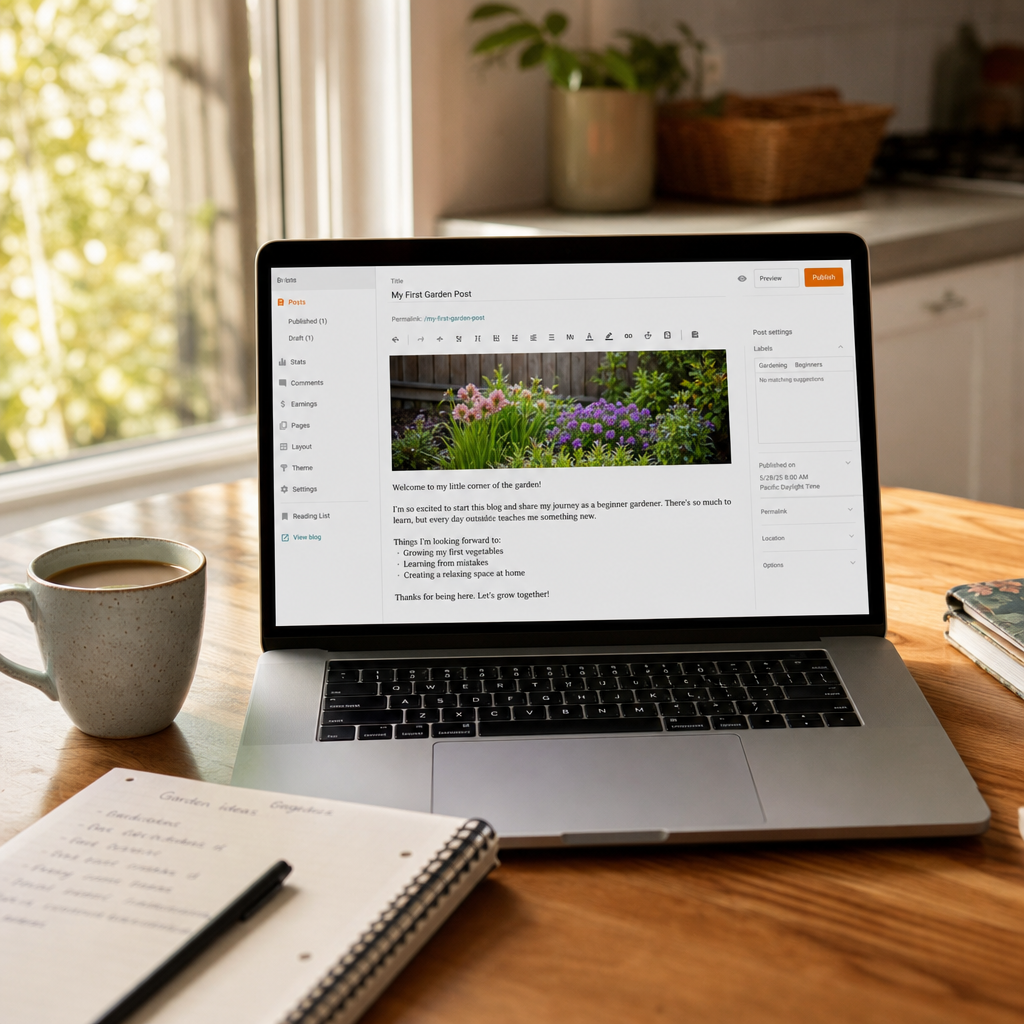
Visit Blogger's official site to sign up instantly and publish your first post within the hour. A hobby gardener might document seasonal tips with photos and earn small AdSense revenue; it provides a reliable no-cost starting point that many still recommend in 2026 reviews.
7Ghost
Best for: Beginners ready to invest modestly in a modern platform built for newsletters, memberships, and professional publishing.
Ghost delivers a clean, fast publishing experience focused on beautiful typography and reader engagement, with native support for email newsletters and paid subscriptions. The editor emphasizes simplicity while offering advanced features like member signups and content gating. It powers many independent publications and feels purpose-built for creators who want ownership plus modern tools.
Ghost(Pro) pricing starts at $15 per month billed yearly for the Starter plan, including custom domains, hosting, and up to 1,000 members. Higher tiers support more subscribers and staff. You benefit from strong performance, open-source roots for self-hosting options, and built-in analytics. Recent updates make the onboarding even smoother for newcomers.
Expect a small learning curve for the membership features, and it costs more upfront than purely free platforms. It is ideal once you have a content plan rather than for pure experimentation. Compared to Substack, Ghost gives you more design control and full revenue retention on self-hosted setups.
A tech newsletter creator can launch with beautiful formatting and immediately offer paid tiers; the platform handles billing seamlessly. Check Ghost(Pro) pricing starts at $15 per month for exact current details on their official plans.
In conclusion, the best blogging platform for you depends on your budget, design priorities, and long-term goals. Start with a free option like WordPress.com, Medium, or Blogger to test the waters, then upgrade as your audience and ambitions grow. Each of these tools removes the technical barriers so you can focus on what matters most: consistent, valuable content that connects with readers.
Frequently Asked Questions
Which blogging platform is truly the easiest for complete beginners?
Blogger and Medium top the list for zero-setup publishing. Both let you create an account and publish within minutes using familiar Google or simple interfaces, with no hosting worries.
Can I switch platforms later if I outgrow the free tier?
Yes, most support exports. WordPress.com and Blogger allow easy content migration, while Substack and Medium offer export tools, though design elements may need rebuilding on the new platform.
How important is SEO on these beginner platforms?
Very important. WordPress.com and Squarespace include strong built-in SEO tools, while Wix offers wizards; focus on quality content and keywords regardless of platform for long-term visibility.
Do these platforms support monetization from the start?
Many do. Blogger integrates AdSense immediately, Medium has the Partner Program, Substack enables subscriptions quickly, and WordPress.com adds payments on paid plans.
What about mobile apps for posting on the go?
WordPress.com, Medium, Substack, and Wix all provide excellent mobile apps. Blogger relies on the web version but works well on phones, and Ghost has solid mobile support.
Are there any hidden costs I should watch for?
Custom domains and premium themes often cost extra. Check annual billing discounts on Squarespace and Wix, and note Substack's revenue share on paid subscriptions.
How do I choose between design-focused and writing-focused platforms?
Prioritize Wix or Squarespace for visual blogs, and Medium or Substack for pure writing and audience growth. WordPress.com offers a balanced middle ground.
Is self-hosted WordPress still recommended for beginners in 2026?
Only after gaining comfort with basics. Start on WordPress.com hosted version first to learn the ropes before moving to self-hosted for maximum control.


