
⚡ Quick Picks

★★★★★
Millions of professional photos in resolutions that exceed iPad Pro needs.

★★★★★
Completely free commercial-use images updated daily in massive quantities.
★★★★☆
Pre-formatted square iPad wallpapers ready for instant download.
★★★★☆
Device-optimized collections with easy iOS app integration.
| # | Name | Best For | Price | Rating |
|---|---|---|---|---|
| 1 | Unsplash | High-resolution artistic photography | Free | ★★★★★ |
| 2 | Pexels | Daily updated stock photos | Free | ★★★★★ |
| 3 | iSpazio | Device-specific iPad formats | Free | ★★★★☆ |
| 4 | Zedge | Curated mobile-optimized packs | Free | ★★★★☆ |
| 5 | Community-curated inspiration | Free | ★★★☆☆ | |
| 6 | Canva | Custom design creation | Free tier | ★★★★☆ |
| 7 | Burst | Shopify-quality stock images | Free | ★★★★☆ |
| 8 | Vellum | Daily hand-picked minimalist sets | Free with IAP | ★★★★☆ |
In 2026, personalizing your iPad has never been more rewarding. The right wallpaper transforms your device from a tool into an extension of your style, and the best part is that premium quality no longer requires a subscription.
Free sites now deliver resolutions well above the 2732×2048 pixels of the latest iPad Pro, with no watermarks or attribution hassles on the top platforms.
1Unsplash
Best for: Users seeking professional-grade photography that looks stunning on any iPad screen size.
Unsplash stands out as the premier destination for free iPad wallpapers because its contributors upload images captured at resolutions far exceeding modern tablet displays. You can search directly for iPad-optimized collections and download crisp 4K or higher files instantly.
The platform hosts over seven million high-resolution photos, all free for personal and commercial use with no attribution required. Its search filters let you sort by orientation, color, and relevance, making it simple to find vertical or square crops that fit your iPad perfectly without cropping later.
Unsplash's dedicated iPad Pro wallpaper collection offers hundreds of curated options ranging from minimalist abstracts to vibrant nature shots. Avoid it if you prefer heavily edited or illustrated designs, as the focus remains on authentic photography.
2Pexels
Best for: Anyone who wants fresh, high-volume stock imagery updated every single day.
Pexels delivers thousands of new free images daily, with a dedicated search returning over 70,000 results specifically tagged for iPad wallpapers. Every download comes in multiple sizes, including ultra-high resolutions suitable for the largest iPad Pro models.
Images are vetted for quality and come with a straightforward license allowing unlimited personal use. You can browse by category such as abstract, minimal, or landscape, and the site’s video library even provides subtle looping backgrounds if you want something more dynamic than a static image.
Pexels' extensive iPad wallpaper library makes it the go-to choice for frequent wallpaper changers. Skip it only if you need vector illustrations or highly stylized graphics, which appear less frequently here than pure photography.
3iSpazio
Best for: Beginners who want wallpapers already formatted in the exact square aspect ratio for iPads.
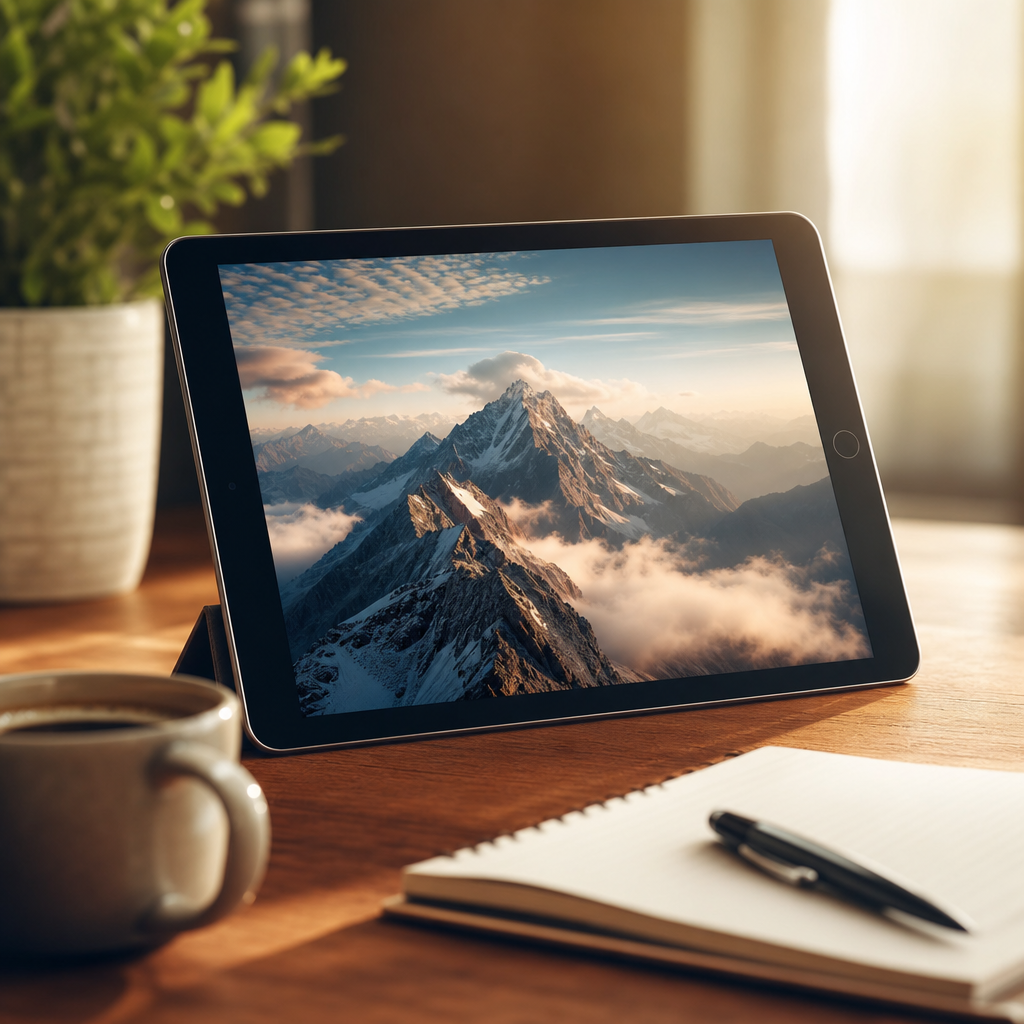
iSpazio specializes in tablet-specific downloads, providing free hi-res wallpapers optimized for every iPad model in square format that requires no further editing. The site maintains a clean, dedicated iPad section with dozens of options at a time.
Downloads are direct and high-resolution, often exceeding 3000 pixels on each side. Categories include abstract patterns, nature scenes, and minimalist designs tailored for the iPad’s larger canvas. The accompanying app expands the library if you want even more choices on the go.
iSpazio's free iPad wallpaper downloads remove the guesswork of cropping. It is less ideal if you want thousands of options or frequent updates, as the selection rotates more slowly than general stock sites.
4Zedge
Best for: Mobile-first users who appreciate device-optimized packs and an easy iOS experience.
Zedge offers a robust free wallpaper section with collections specifically curated for tablets and phones. Its app makes browsing and applying wallpapers seamless directly on your iPad.
Expect thousands of free options in 4K and higher, with tags for aesthetic, dark mode, and seasonal themes. Many wallpapers include matching lock screen pairs, and the platform regularly adds new trending designs without any cost for the core library.
The optional premium tier unlocks extras, but the free tier remains generous. Choose another site if you dislike app-based browsing or want purely photographic rather than illustrated content.
5Pinterest
Best for: Visual explorers who enjoy discovering unique, user-curated wallpaper ideas before downloading.
Pinterest functions as a vast discovery engine where creators share direct links to free high-resolution iPad wallpapers. Boards dedicated to iPad aesthetics often link back to original sources for lossless downloads.
You can search “free iPad wallpaper” and filter by latest or most popular pins, then follow links to direct image files. Many pins include exact pixel dimensions and device recommendations, helping you match your specific iPad model.
The platform excels at inspiration but requires an extra click to reach the actual file. Use it when you want variety beyond stock photography, including fan art and custom edits.
6Canva
Best for: Creative users who want to design or tweak wallpapers to exact iPad dimensions.
Canva’s free tier includes thousands of templates and stock elements sized precisely for iPads. You can start with a blank 2732×2048 canvas and layer free photos, text, or illustrations instantly.
The built-in editor lets you adjust colors, add subtle overlays, or combine multiple elements into one-of-a-kind backgrounds. All exports remain free for personal use, and the mobile app supports direct saving to your Photos library.
Canva shines when stock sites feel too generic. Avoid it if you prefer zero-effort ready-to-download images without any design work.
7Burst
Best for: Professionals seeking Shopify-level commercial stock photography at no cost.
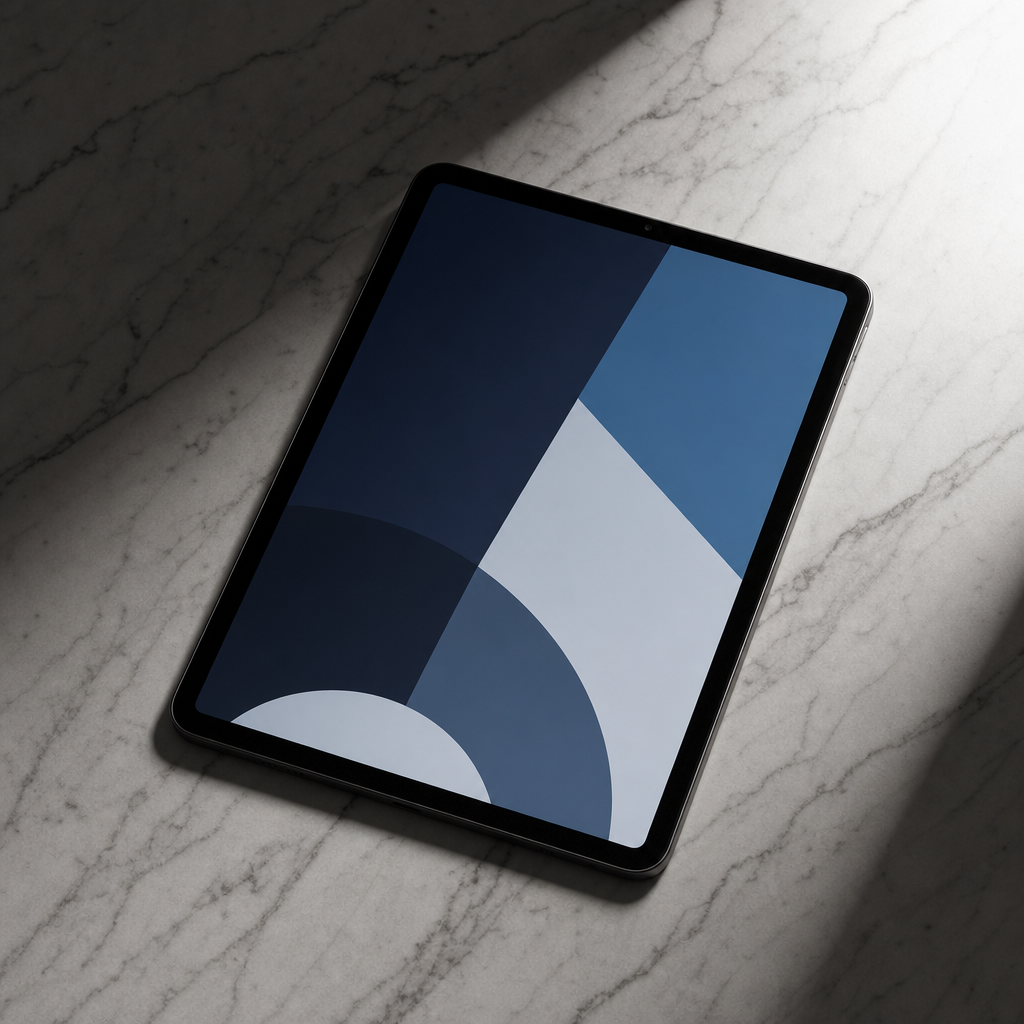
Burst provides free stock photos from the Shopify team, with many images shot at resolutions ideal for large iPad screens. The collection emphasizes clean, modern aesthetics perfect for productivity-focused users.
Every image includes a free license for personal and commercial projects. Search filters help narrow results to vertical or square orientations, and new photos are added regularly without any paywalls.
Burst delivers consistent quality comparable to paid services. It is smaller than Unsplash or Pexels, so pair it with those sites for maximum variety.
8Vellum
Best for: Fans of minimalist, hand-selected daily wallpaper drops.
Vellum curates hundreds of beautiful, free wallpapers inside its iOS app, with new packs arriving regularly and one fresh image each day. The focus stays on elegant, timeless designs that complement the iPad’s hardware.
Core content remains completely free, while optional premium packs add extra variety. All wallpapers are optimized for iPhone and iPad resolutions, and the app includes simple tools to preview how they look on your screen before applying.
Vellum excels at effortless daily changes. Skip it if you prefer browsing thousands of options on a website rather than within an app.
Unsplash’s iOS app alone gives access to over seven million free high-resolution photos that can be downloaded directly to your iPad.
With these eight sites you have everything needed to keep your iPad looking fresh year-round without spending a dime. Rotate through different styles seasonally or match wallpapers to your current productivity setup.
Start with Unsplash or Pexels for the largest selection, then explore specialized options like iSpazio for perfect crops. Your perfect background is just a few clicks away.
Frequently Asked Questions
Are these wallpapers safe to download?
Yes, the sites listed above are reputable and scan uploads for malware. Always download directly from the official site rather than third-party mirrors.
Do I need to attribute the images?
Unsplash and Pexels require no attribution for free use. Check each site’s license page for the latest details before commercial projects.
What resolution should I download for my iPad?
Target at least 2732×2048 pixels for the latest iPad Pro models. Most sites offer multiple sizes—choose the largest available.
Can I use these wallpapers commercially?
Most listed platforms grant broad commercial rights, but always verify the specific license on the download page for your intended use.
How often are new wallpapers added?
Unsplash and Pexels add thousands daily, while iSpazio and Vellum rotate selections weekly or offer daily drops within their apps.
Will these sites work on older iPads?
Absolutely. All recommended sites provide images compatible with every iPad model from the original through the latest 2026 releases.
Are there any hidden costs?
The core wallpaper downloads on these platforms are completely free. Some offer optional premium upgrades for extras, but free tiers remain fully functional.
Can I set wallpapers directly from the site?
Most require saving the image to Photos first, then setting it via Settings > Wallpaper. Apps like Zedge and Vellum support one-tap application.


